Fixing the Vim Cursor in Windows Terminal
Out of the box, Vim's cursor renders funny in Windows Terminal, here's a fix.

If you’ve ever tried to use Vim in Windows Terminal you may have found that the cursor formatting doesn’t work. Here’s how to fix.
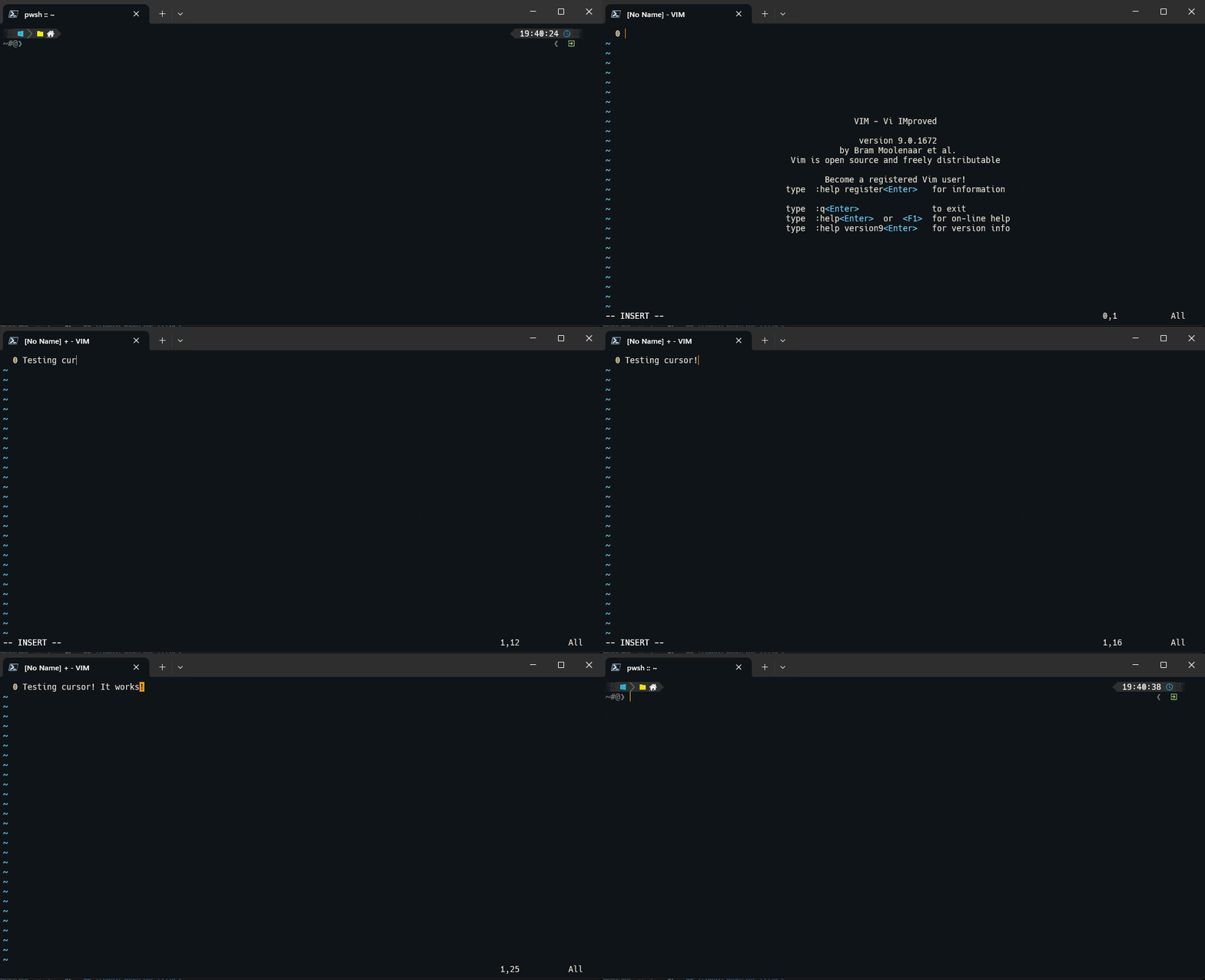 Note how we get squared blocks when we’re not in edit mode
Quick Fix
- In PowerShell, run the below code:
1
Notepad $Profile
Notepad should now open (if Notepad warns you that the file doesn’t exist, say yes to the prompt to create the file).
- Copy-paste the below code into Notepad (you made need to tweak the paths to the location of your executable!)
1
2
3
4
5
6
7
function vim {
        & "C:\Program Files\Vim\vim90\vim.exe" $args && echo "`e[5 q"
}

function vi {
        & "C:\Program Files\Vim\vim90\vim.exe" $args && echo "`e[5 q"
}
- Save and close the file in Notepad.
- If you’re not already in your user directory, navigate there (typically c:\users\yourname) and then run the below:
1
Notepad .\_vimrc
- Copy and paste the below code into the notepad file:
1
2
3
4
5
" Windows Terminal Formatting
let &t_SI = "\<Esc>[6 q"
let &t_SR = "\<Esc>[3 q"
let &t_EI = "\<Esc>[2 q"
let &t_ti ..= "\e[2 q"
- Save the file and restart PowerShell.
Didn’t Work?
No worries, try also adding this extra line to your _vimrc file, before the above entries:
1
set termguicolors
I’ve seen it where two seemingly identical machines would react differently with the above settings but this this fixed it.
Breaking Down the Above
- First, we’re opening your PowerShell “profile” in Notepad. In PowerShell, a profile is simple a PowerShell file which runs everytime you start up the program.
- The code we’ve copied into your profile is two custom functions which will start Vim for you. The important thing is what they do after Vim exits. Instead of just quiting, it will also print a weird “`e[5 q” character to the terminal which you can’t see, but resets the cursor.
- The code we’ve copied into _vimrc tells Vim what symbol to use for the cursors in Vims different modes.
Would you like to Know More?
I need to give cedit to iovuio in this github post for finding this fix. I did have to make a few changes to make it work for me but it got me most of the way there!